Guide · Portal linking
How to Link Nether Portals in Minecraft
Build an intentional Overworld-to-Nether portal pair, understand why nearby portals can still change the destination, and verify the connection in both directions.
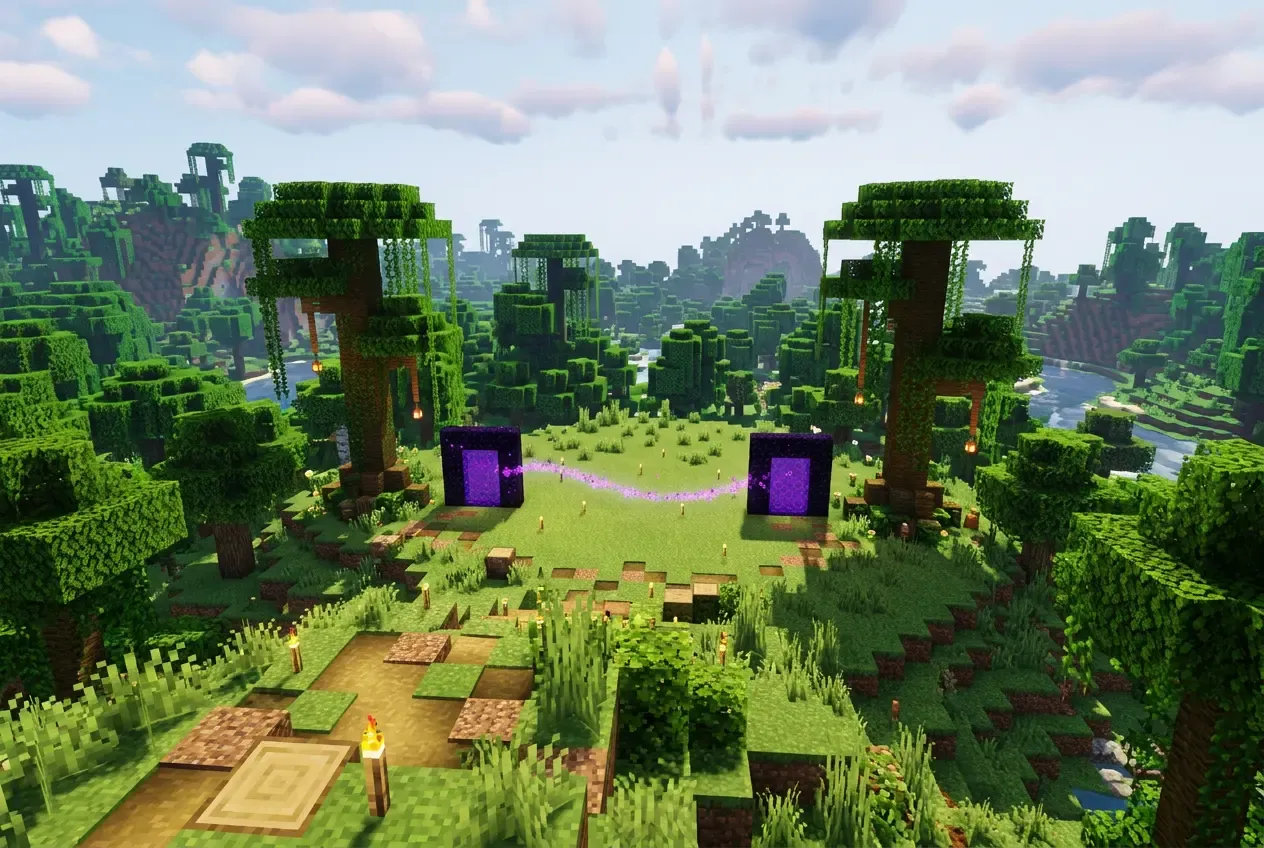
Quick answer
Link the Pair, Then Verify Both Directions
Record the Overworld portal's X and Z. Floor-divide both by 8 to get the ideal Nether target, keep Y as a reference, build and light a Nether portal near that target at a safe height, then test the outbound and return trips separately. Nearby active portals can override the arithmetic, so matching coordinates alone is not a guarantee.
You will need
- Access to the Nether and both portal sites
- Overworld X, Y, and Z coordinates
- Obsidian, a fire source, and safe travel supplies
- A way to reach the chosen destination Y safely
Frame minimum
Standard outer frame: 4 wide × 5 tall. It needs 10 obsidian without corners or 14 with them. Use the size calculator for custom dimensions and exact counts.
Calculate obsidian for the portal frameSteps
Quick Steps: How to Link Two Nether Portals
- Record the Overworld portal position. In Java, read the XYZ line from the F3 debug screen. In Bedrock, enable Show Coordinates in world settings. Keep X, Y, and Z.
- Convert X and Z. Floor-divide both horizontal coordinates by 8. Y is not divided; it stays a reference height. Use the coordinate calculator if you want the target and formula shown for you.
- Travel to the Nether through the existing portal. The generated or selected exit may not sit at the ideal converted block, so treat the calculation as a target rather than a promise.
- Reach a safe build area near the ideal X/Z. Plan how to access the chosen Y level with stairs, a shaft, or a safe route. Do not assume a coordinate is safe or reachable.
- Build and light the intended Nether frame. A minimum frame is 4×5 outer with 10 obsidian when corners are omitted. Use the size calculator for custom dimensions and exact obsidian counts.
- Check for competing portals. Other active frames inside the relevant search area can be closer in 3D distance. Use the portal link checker when you have several entered portals.
- Test both directions. Go Overworld → Nether, then Nether → Overworld. A successful outbound trip alone does not verify the pair.
If a competing portal is involved, adjusting or temporarily deactivating it can change the result, but it is a real world change. Confirm what depends on it and back up important worlds before major changes. If the pair already misroutes, use the portal troubleshooting guide for the diagnosis.
Worked example
Overworld (800, 64, -400) to Nether (100, 64, -50)
Start with the Base portal at Overworld X 800, Y 64, Z -400. Floor division gives the ideal Nether target X 100, Y 64, Z -50. The Y reference does not change.
Overworld portal
X 800
Y 64
Z -400
Ideal Nether target
X 100
Y 64
Z -50
X: floor(800 / 8) = 100
Z: floor(-400 / 8) = -50
Y: 64, unchanged
- Light the Overworld portal and stand in it to confirm it works.
- Travel to the Nether and find a safe place near X 100, Z -50 at a suitable Y.
- Build and light the intended Nether frame, then enter it.
- Travel back and note the exact Overworld frame you reach.
Even at the ideal X/Z, nearby portals, height and the exact portal block you enter can change the destination. The diagram shows the intended correspondence, not a guaranteed result.
Rounding
Negative Coordinates and Rounding Pitfalls
Minecraft-style floor division rounds toward negative infinity. The negative example starts at Overworld X -9, Y 70, Z 9 and converts to Nether X -2, Z 1.
floor(-9 / 8) = floor(-1.125) = -2, not -1
floor(9 / 8) = 1
| Direction | X | Y | Z |
|---|---|---|---|
| Overworld input | -9 | 70 | 9 |
| Ideal Nether target | -2 | 70 | 1 |
| Ideal reverse conversion | -16 | 70 | 8 |
The reverse calculation from Nether X -2 gives the ideal Overworld X -16, which is not the original X -9. That asymmetry comes from flooring each conversion, not automatically from a broken portal. The game separately searches for nearby existing portals, so the ideal reverse coordinate is only a planning reference.
Use the homepage converter for arbitrary negative or decimal positions.
Search behavior
Why Matching Coordinates Alone May Not Be Enough
When you enter a portal, the game converts the entry position and searches for eligible portal points of interest near the target. The search is an approximate horizontal area, not a universal circle, and candidates are compared by full 3D distance including Y. If no eligible portal is found, the game can generate one at a suitable nearby location.
| Edition | Destination | Approximate horizontal search |
|---|---|---|
| Java | Nether | about ±16 X/Z |
| Java | Overworld | about ±128 X/Z |
| Bedrock | Either destination | about ±128 X/Z |
These values are teaching approximations from the community-maintained Minecraft Wiki. Boundary details, chunk behavior, portal points of interest and game versions can affect exact results. They are not a minimum safe separation between physical portals. See the Minecraft Wiki Nether portal reference and the representative-point link checker for your entered portals.
Networks
How to Link Multiple Nether Portals Without Conflicts
Apply the same process to each intended pair, then check the pairs together because their search areas can overlap. Two Overworld bases still produce different Nether targets, but a target can be close enough that another active portal competes.
| Portal | Overworld X, Y, Z | Ideal Nether X, Y, Z |
|---|---|---|
| Base A | 800, 64, -400 | 100, 64, -50 |
| Base B | 1600, 64, 400 | 200, 64, 50 |
The two Nether targets are separated by 100 blocks on X and 100 on Z: about 141.421 blocks straight or 200 X/Z steps. If you want to connect the bases with a tunnel, use the Nether highway calculator for directions, corridor materials and route planning.
Do not assume that a fixed spacing guarantees two independent pairs. Enter the relevant portals in the link checker and compare both directions.
Verification
Check the Return Trip
The return journey performs a fresh search from the portal block you enter in the Nether. It is not a permanent stored pair, so an outbound success does not prove the reverse path.
Player action checklist
These boxes record your own in-game verification. The page cannot confirm a link for you.
Use the Portal Link Checker to compare entered candidates and the independent return-trip estimate. Its results are representative-point estimates, not a guarantee or a reading of your world save.
Troubleshooting gateway
If Your Portals Still Connect to the Wrong Place
Check the symptom first, then verify the actual frames you entered. For the full repair workflow, use the Nether portals not linking troubleshooting guide; the short table below is only a starting point.
| Symptom | Next step |
|---|---|
| Arrive at a nearby unexpected portal | Record its coordinates and add it to the checker; compare Y and eligible candidates. |
| A new portal was generated | Confirm the target X/Z and Y access, then inspect nearby active portals before rebuilding. |
| One direction works, the other does not | Test the return from the arrival frame and check the reverse target separately. |
| Several portals compete for one area | Compare all entered portals and consider adjusting an unused frame without assuming a safe fixed spacing. |
FAQ
Frequently Asked Questions
Do Nether portals have to be exactly at matching coordinates?
Does height affect Nether portal linking?
Can two Overworld portals link to one Nether portal?
Why did my Nether portal create another portal?
Are portal linking distances different in Java and Bedrock?
How do I check whether a portal link works both ways?
How close can Nether portals be before they interfere?
Method
How We Checked These Instructions and Sources
The coordinate examples are generated with the same floor converter used by the site’s calculators, and automated tests compare them with independent expected values. The search descriptions are teaching approximations from the community-maintained Minecraft Wiki. No in-game Java or Bedrock test was performed for this guide, and no specific game release is claimed as verified.
Limitations include edition-specific search details, modded servers, unexplored terrain, neighboring portals, different portal blocks and entry positions, generated portal placement, and world-specific behavior. For the checker’s model assumptions, read the full calculation methodology.
Sources
- Minecraft Wiki: Nether Portal— Frame dimensions, obsidian counts, and the 8:1 dimensional ratio.
- Minecraft Wiki: Nether portals tutorial— Portal linking behavior, candidate search areas, and edition differences.
- Minecraft Wiki: Point of Interest— Portal blocks as points of interest used by the game search.
- Minecraft Wiki: Nether hub tutorial— Converting endpoints and building routes between Nether portals.
Minecraft Wiki is a community-maintained reference, not official Mojang documentation. This is an independent fan-made guide and is not affiliated with or endorsed by Mojang Studios or Microsoft.
Next tools
Related Nether Tools
- Calculate matching Nether coordinates for one Overworld position.
- Check which active portal is likely to connect and test the reverse estimate.
- Calculate obsidian for the portal frame with a block blueprint.
- Plan the Nether highway between bases after the portals exist.